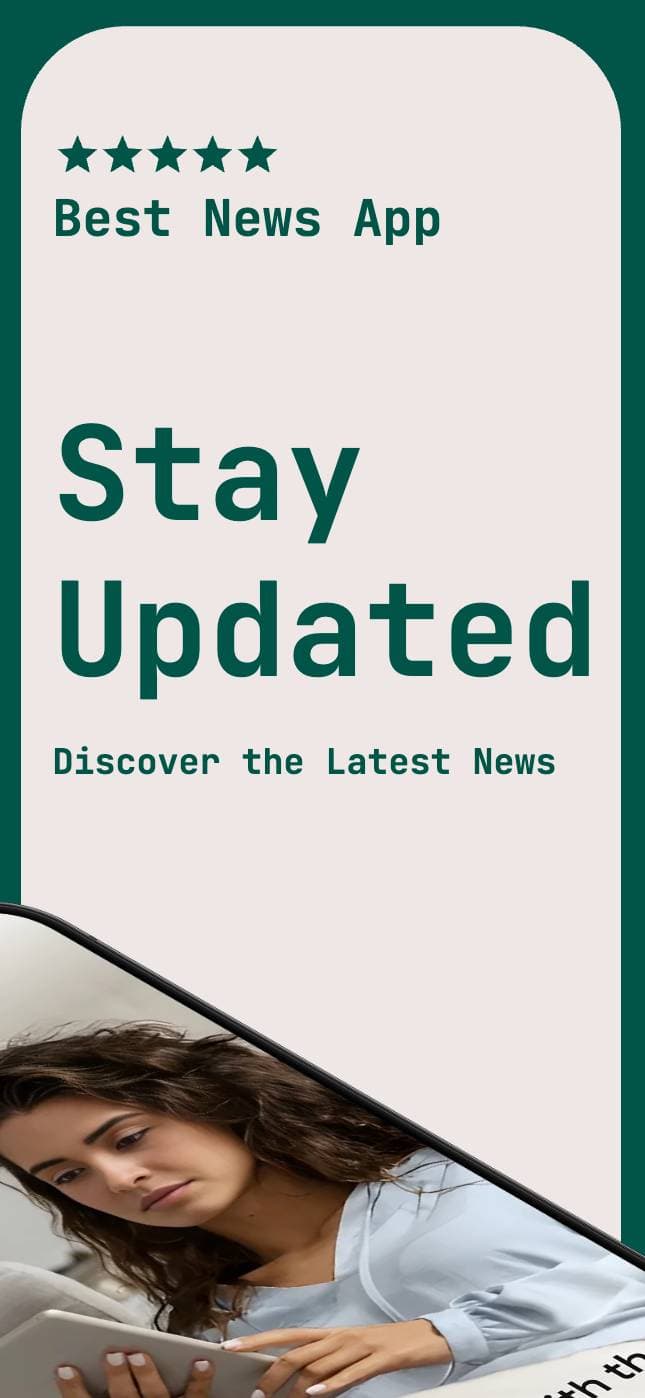
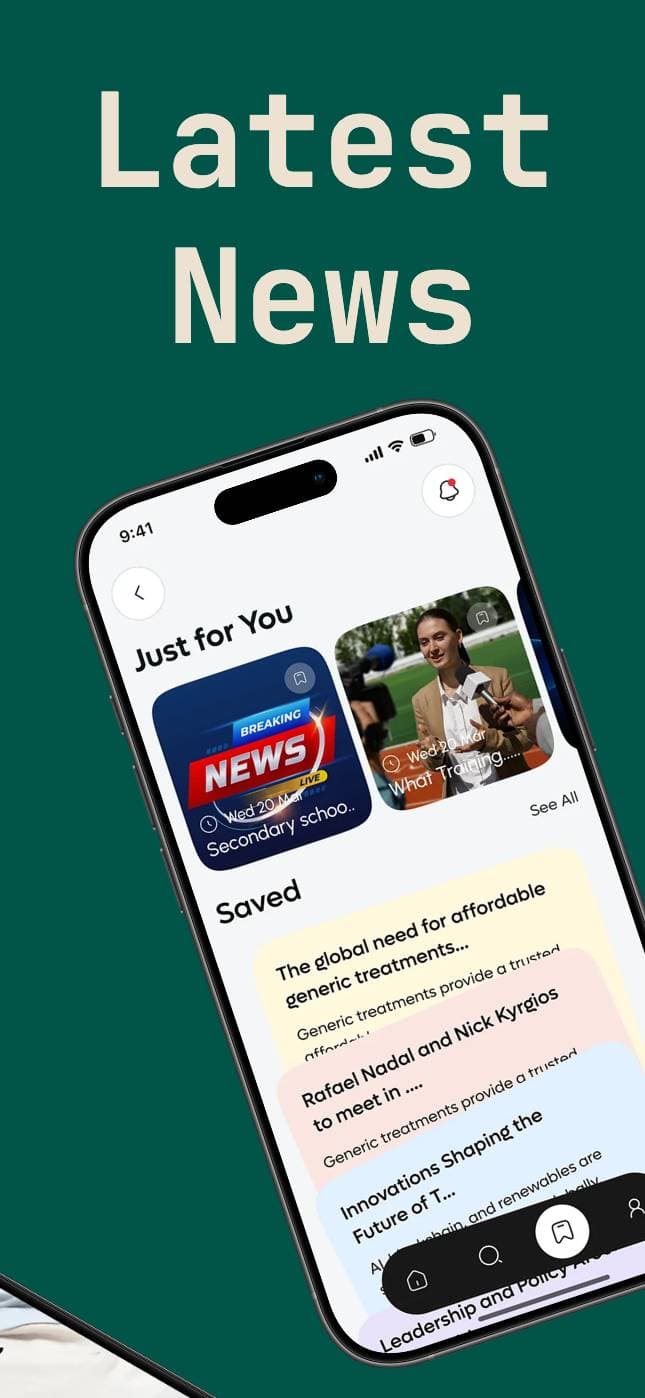
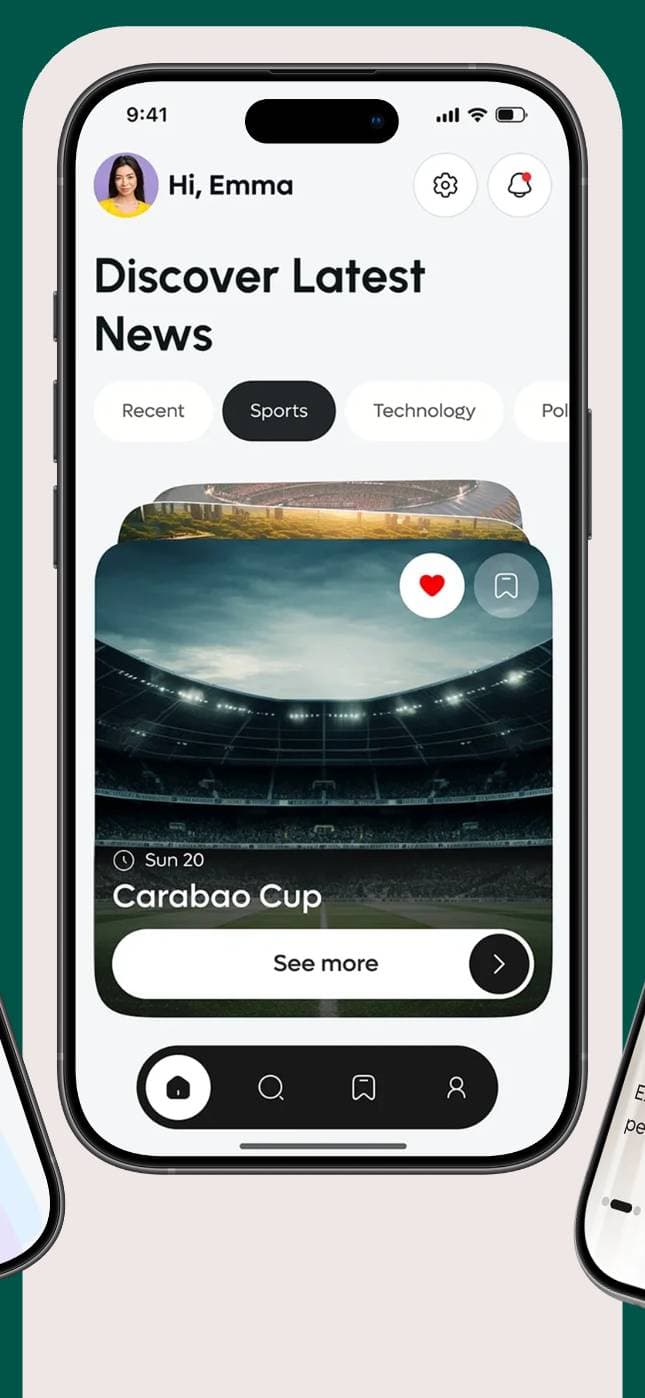
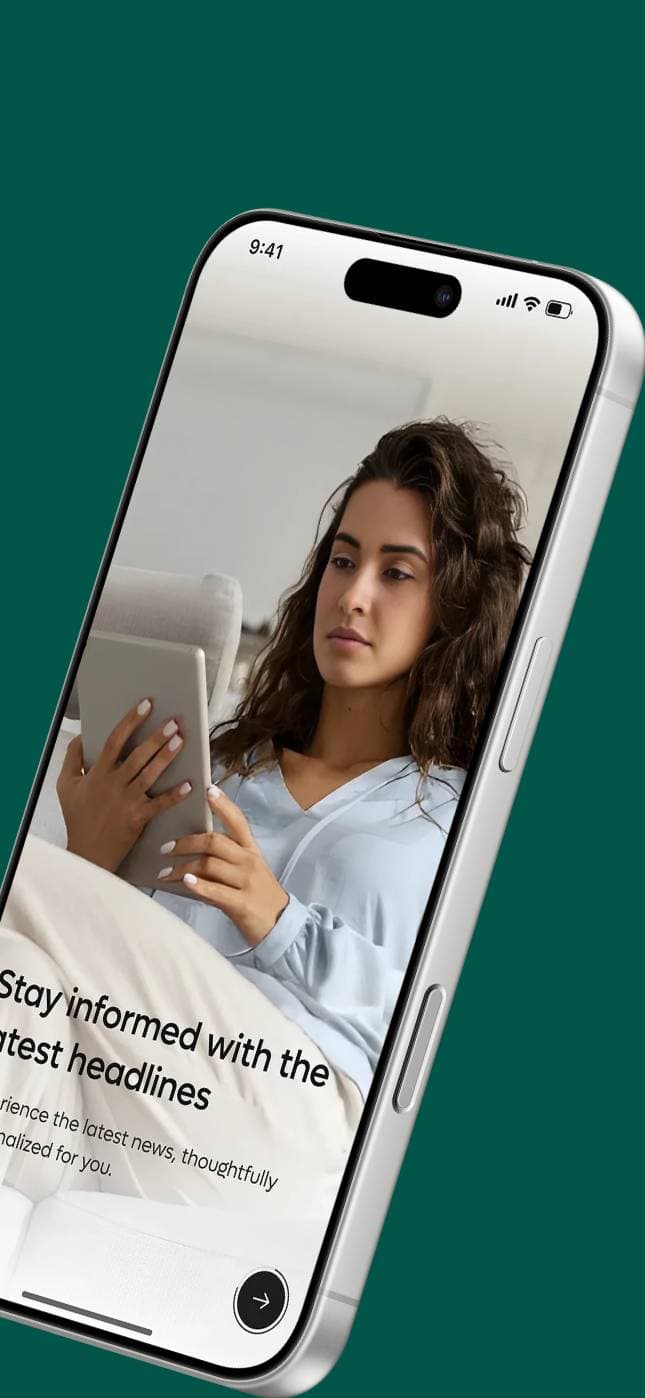
Design high-converting
App Store & Play Store
screenshots and listings
in seconds.
Design the screenshots, write the listing copy, translate both into every App Store & Play Store language — then publish straight to the stores. An afternoon, not a weekend.
Free forever. No credit card. No watermarks.
- No card
- required
- Zero
- watermarks
- 100k+
- shots created
- 110+
- templates
- 2,500+
- builders

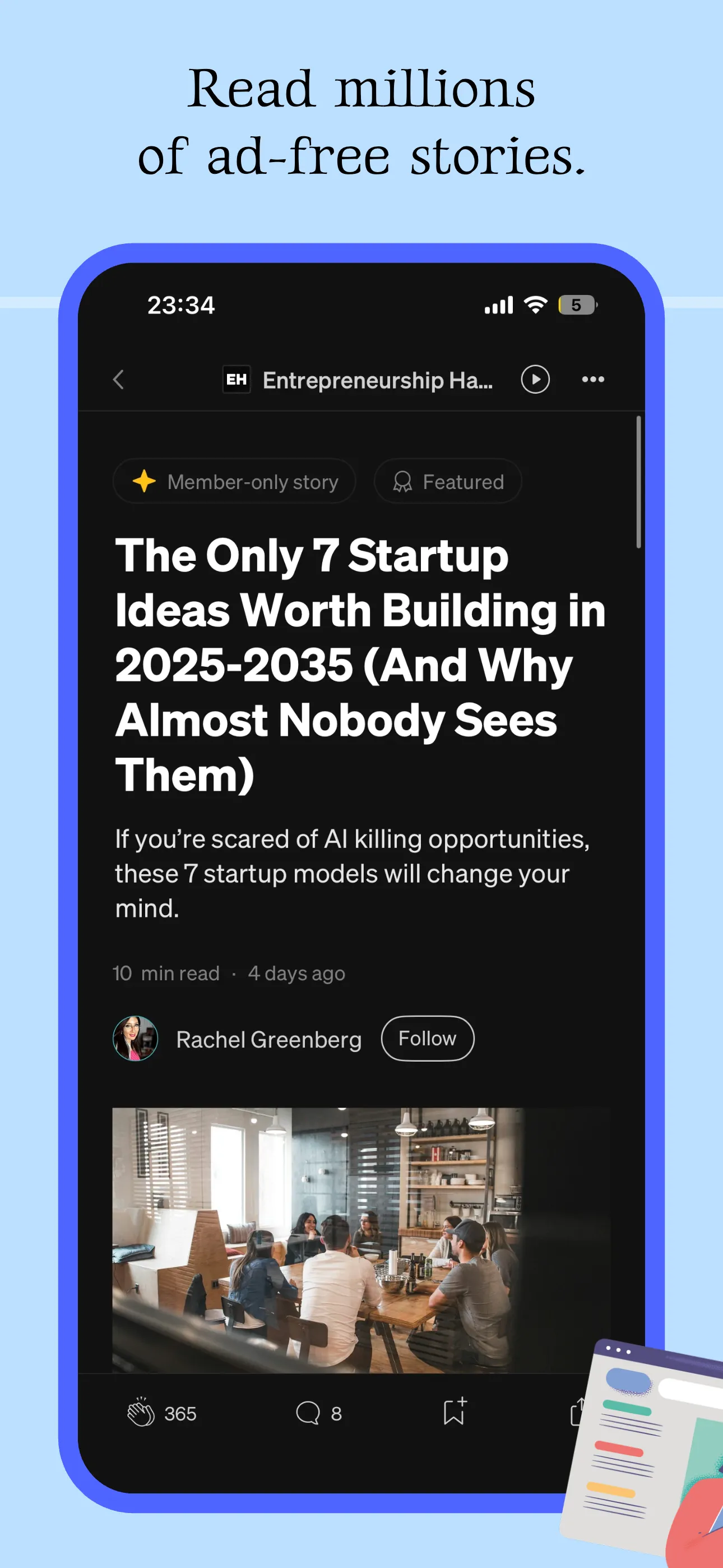
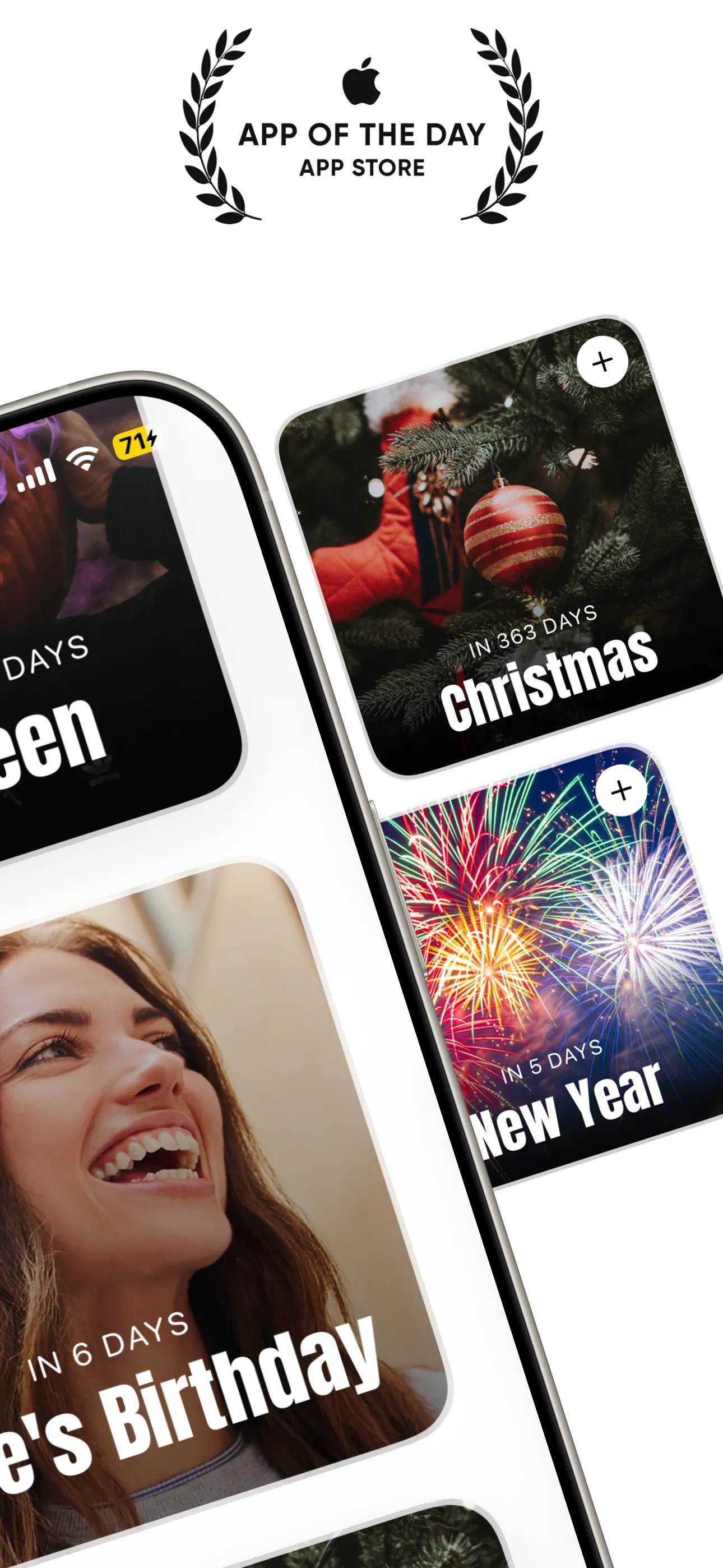
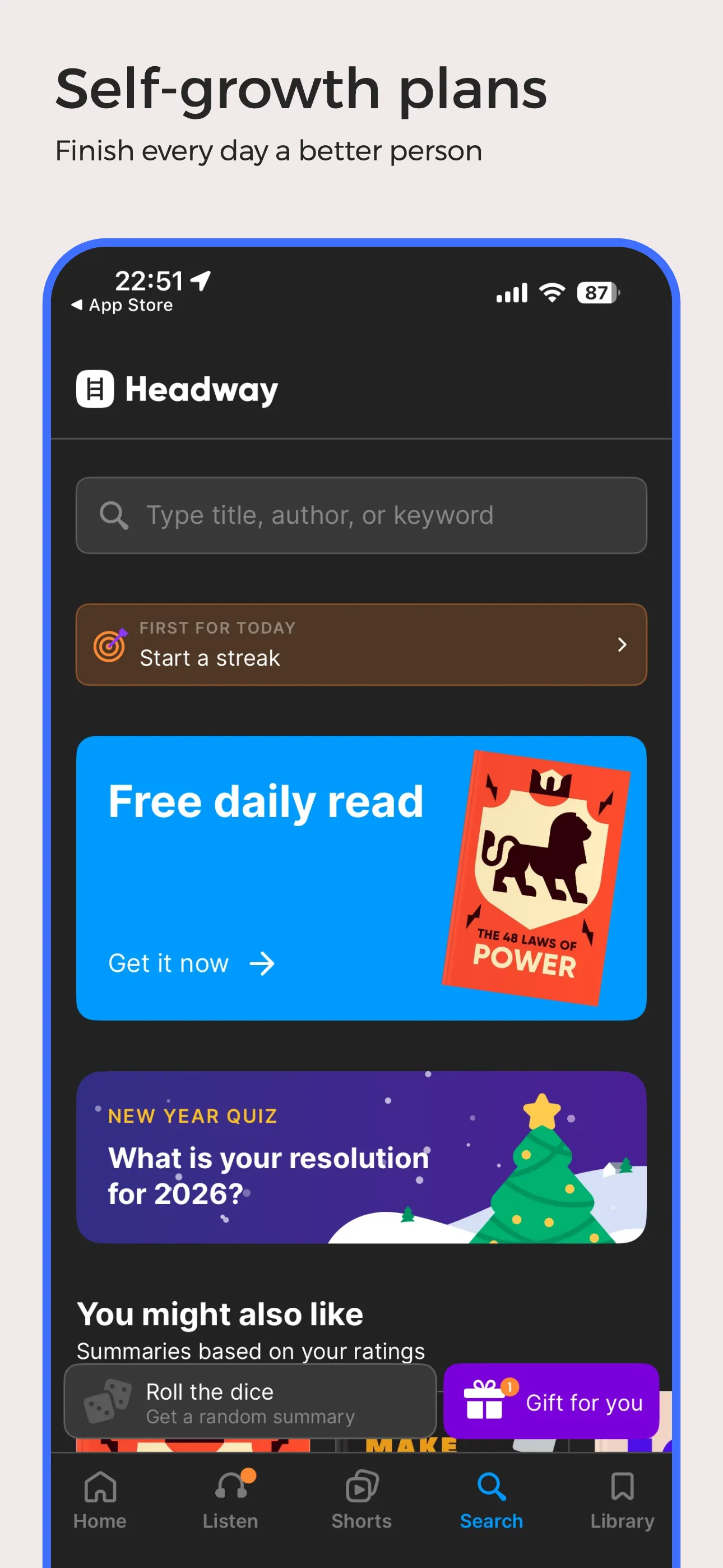
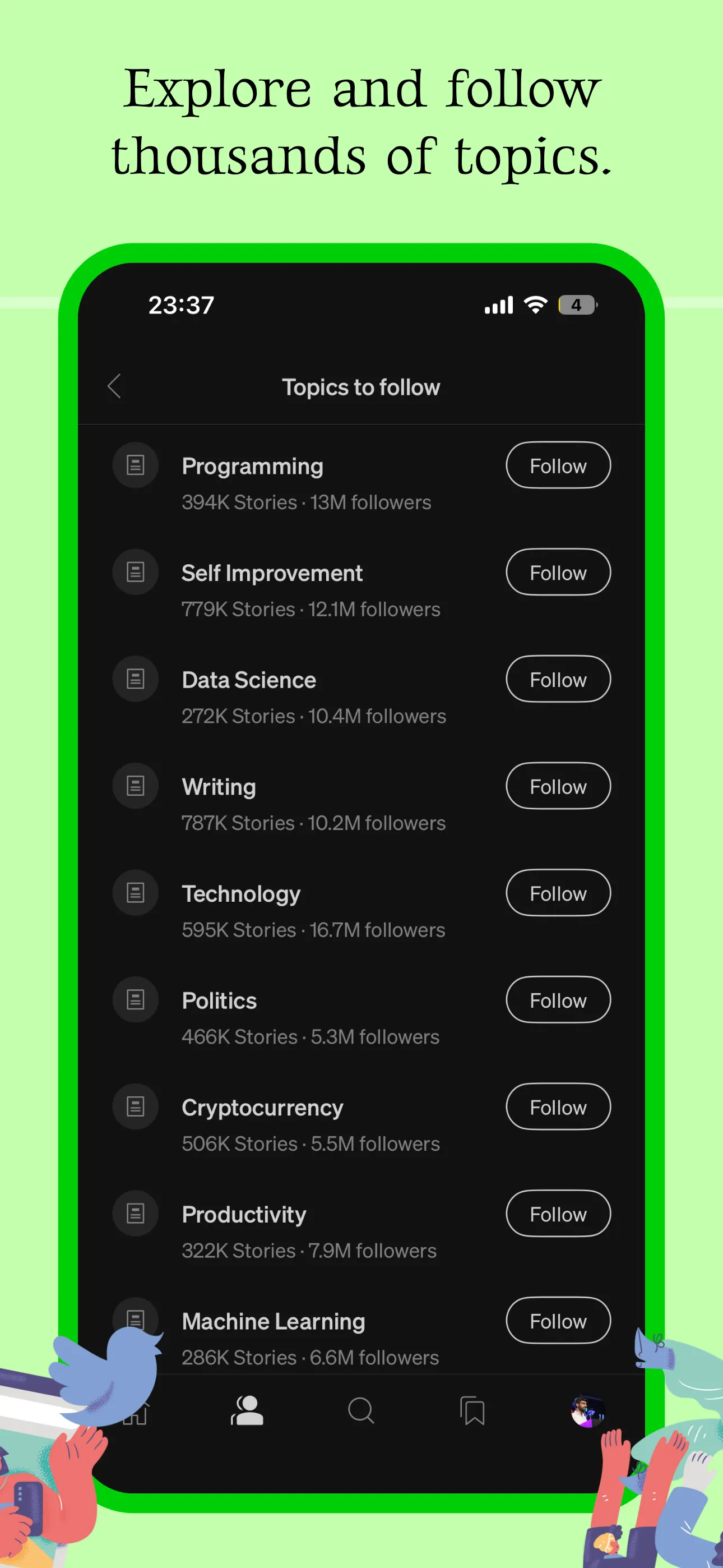
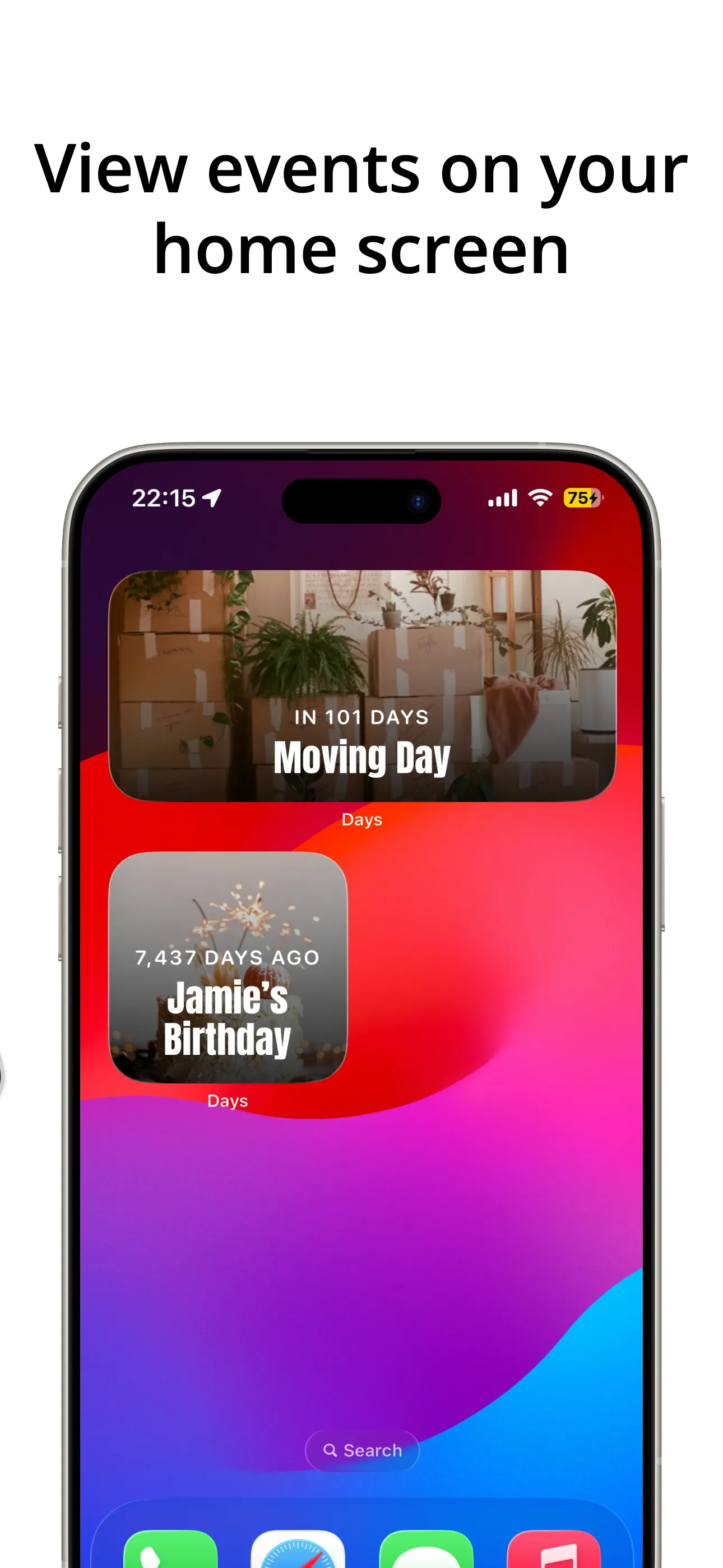
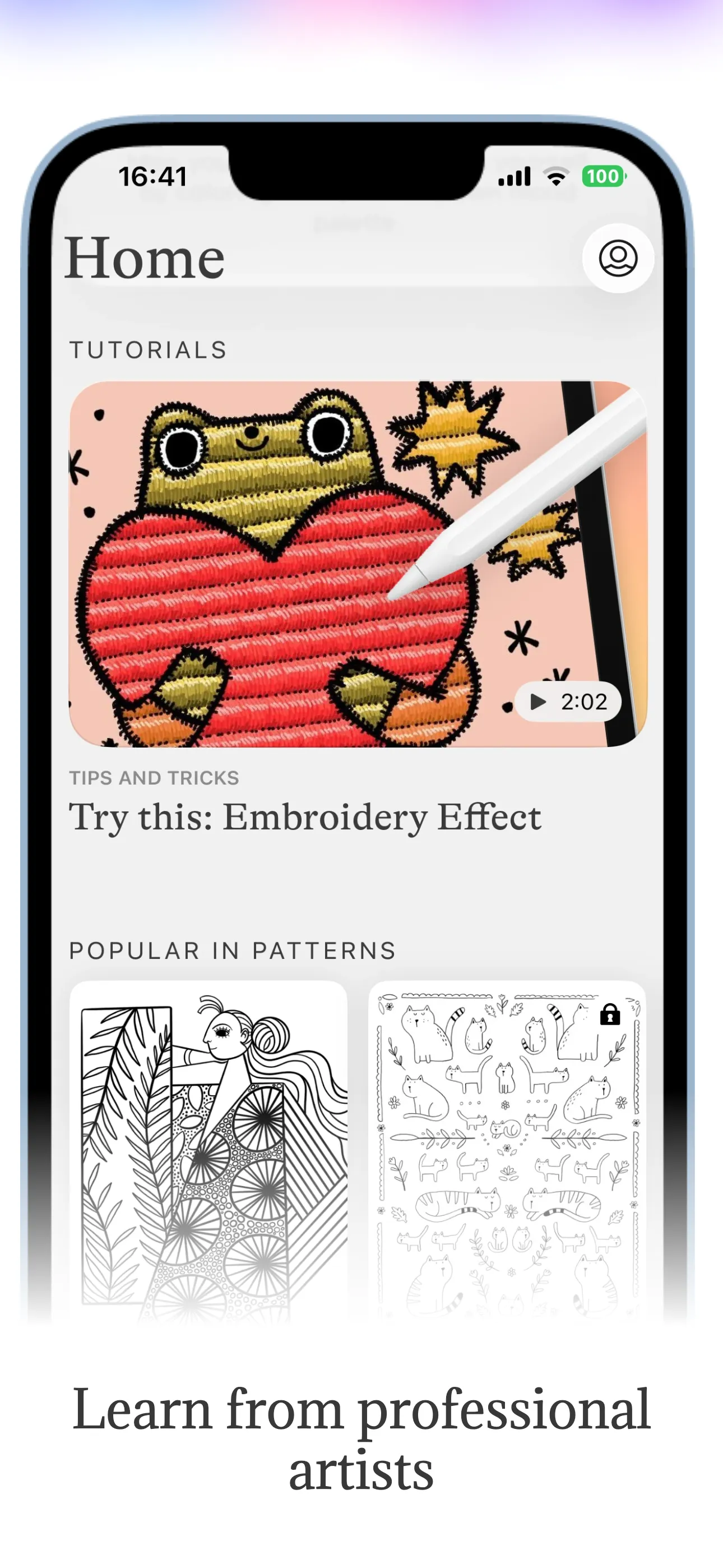
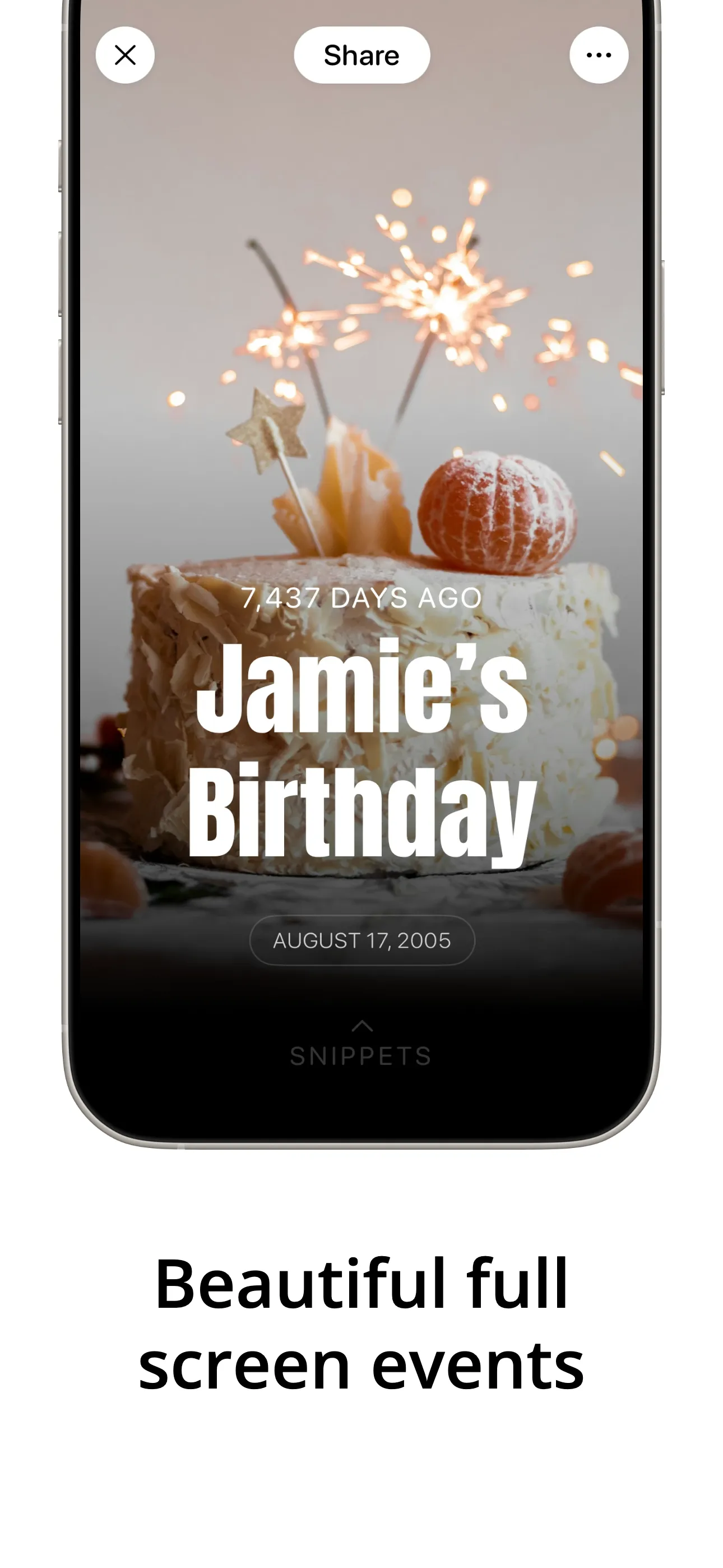
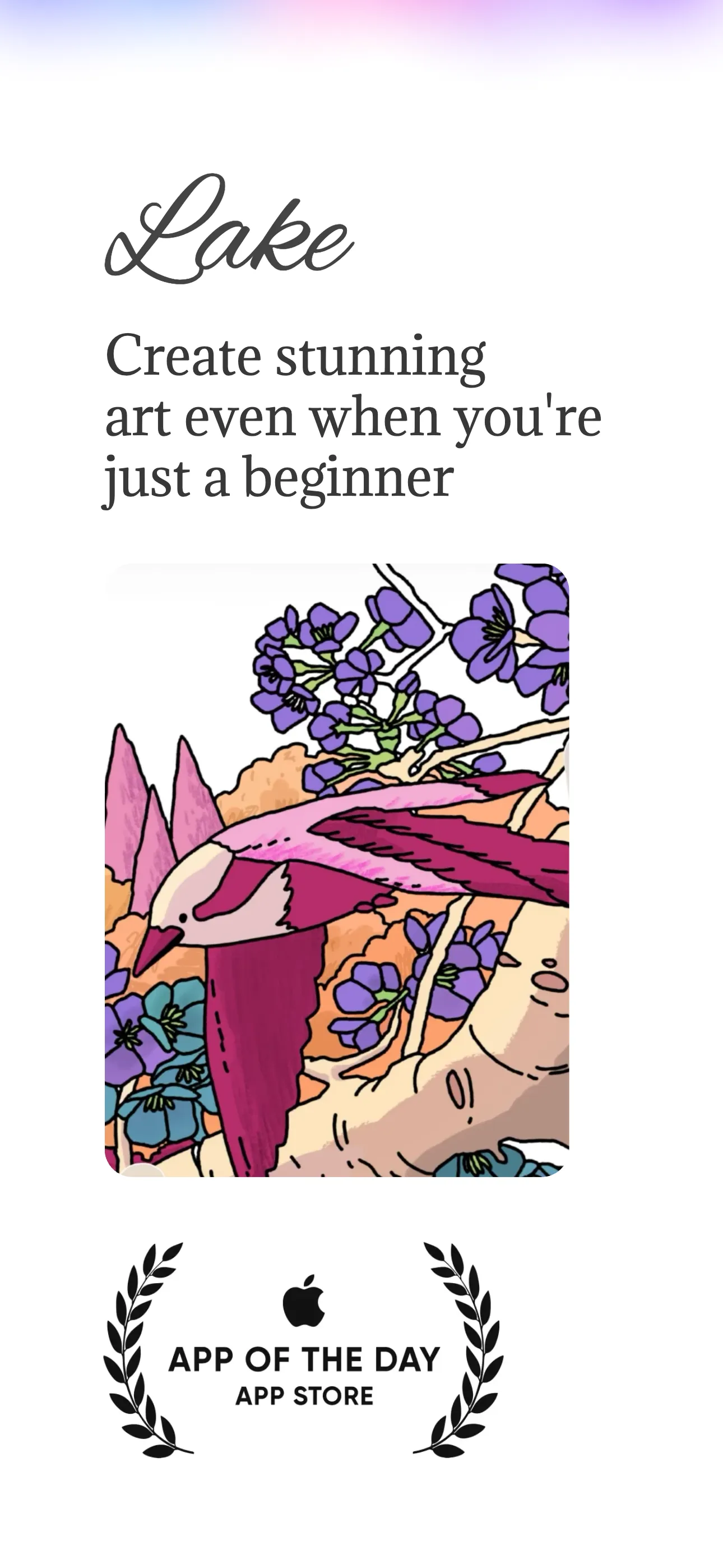
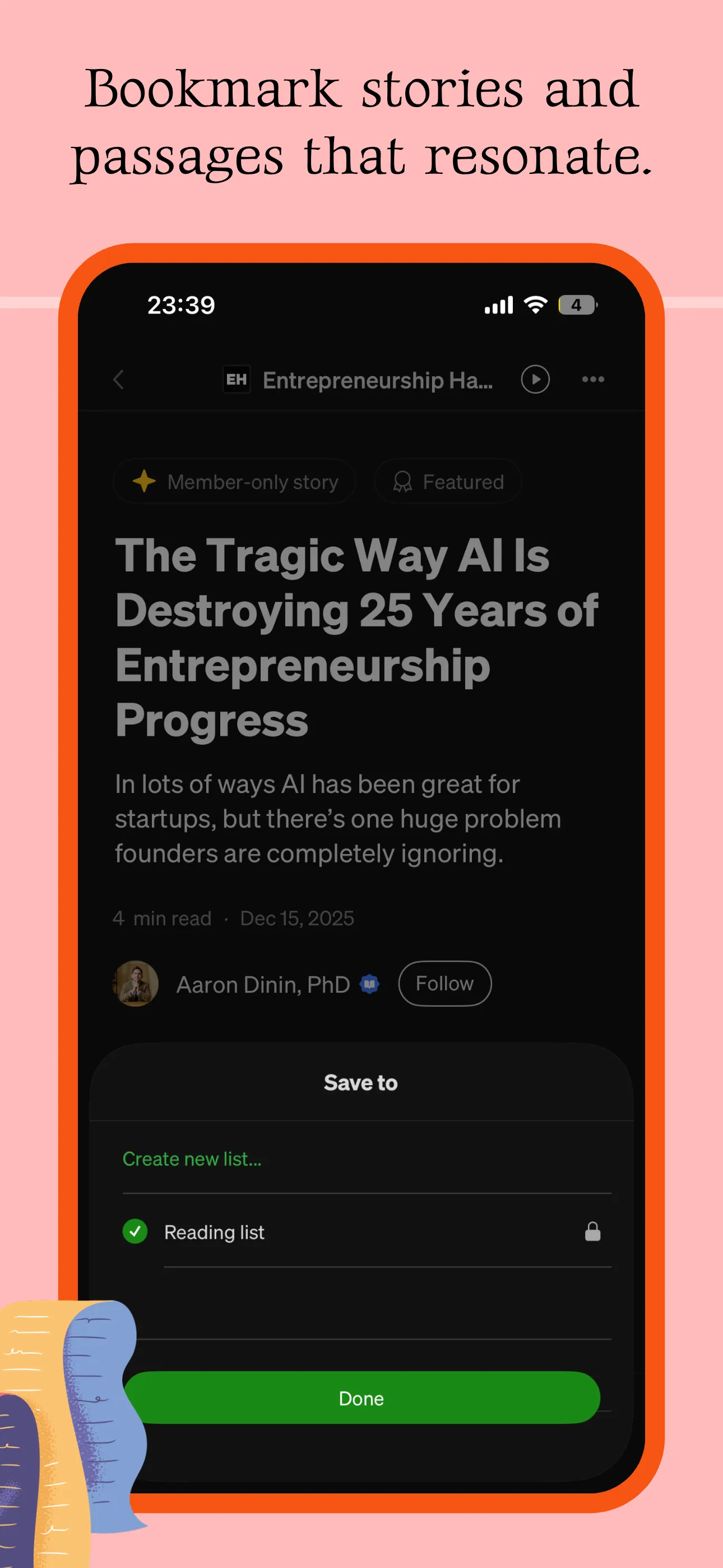
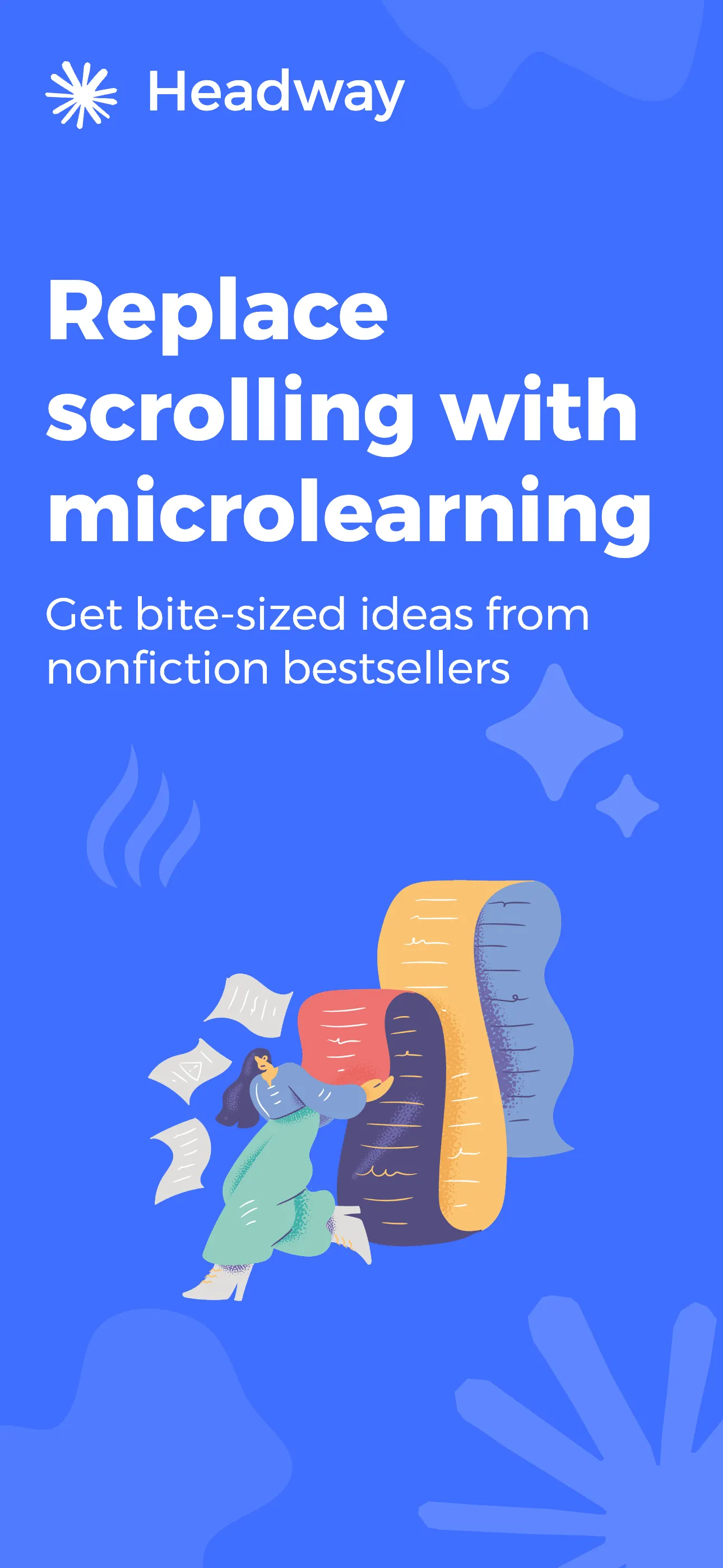
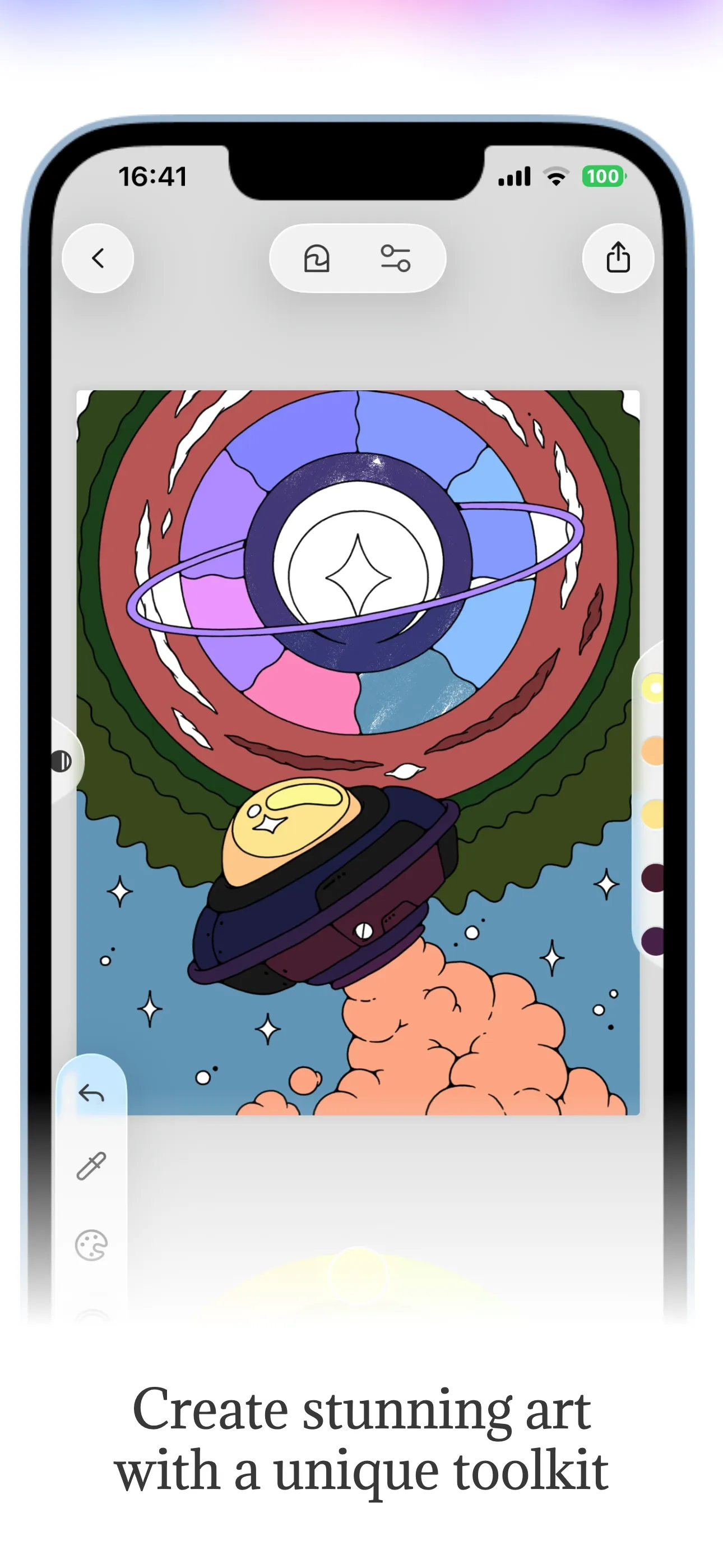
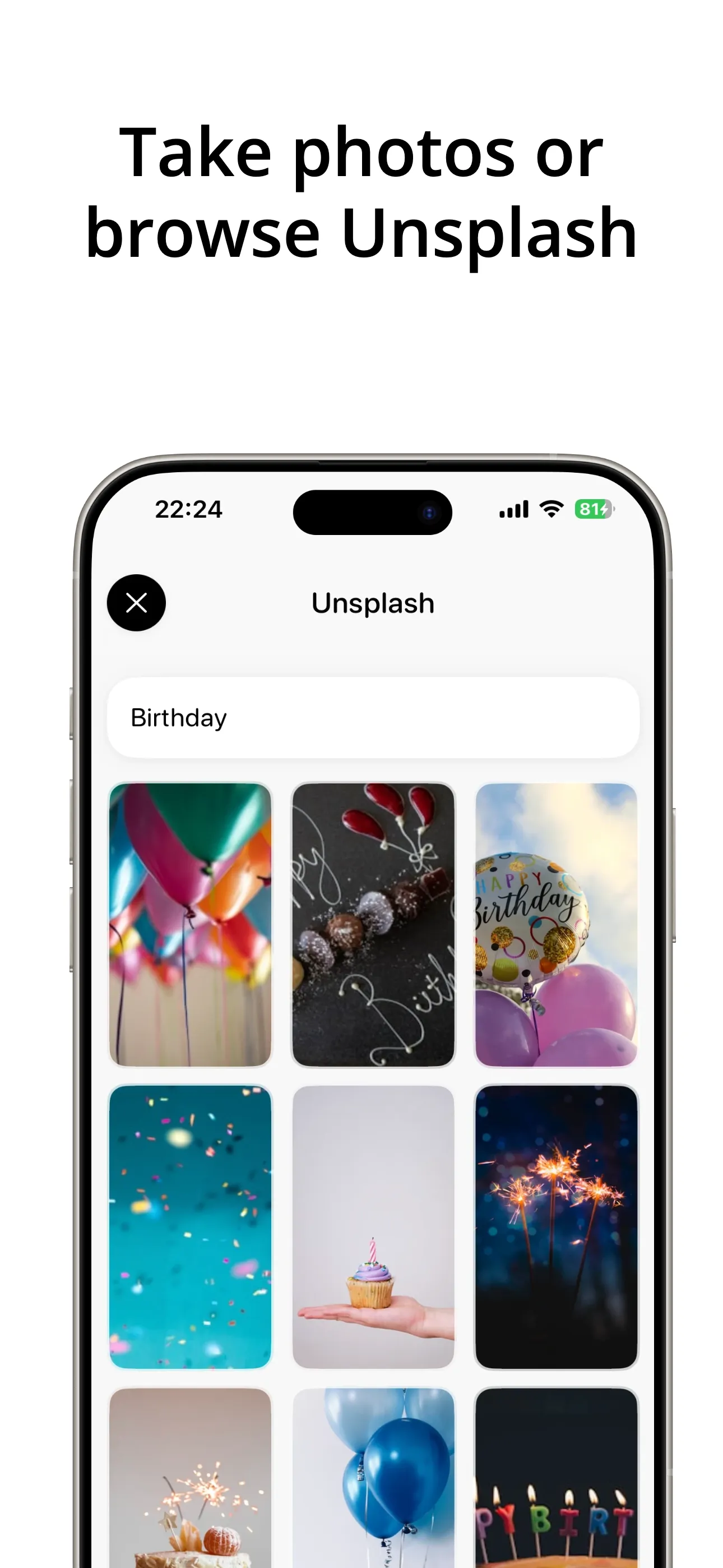
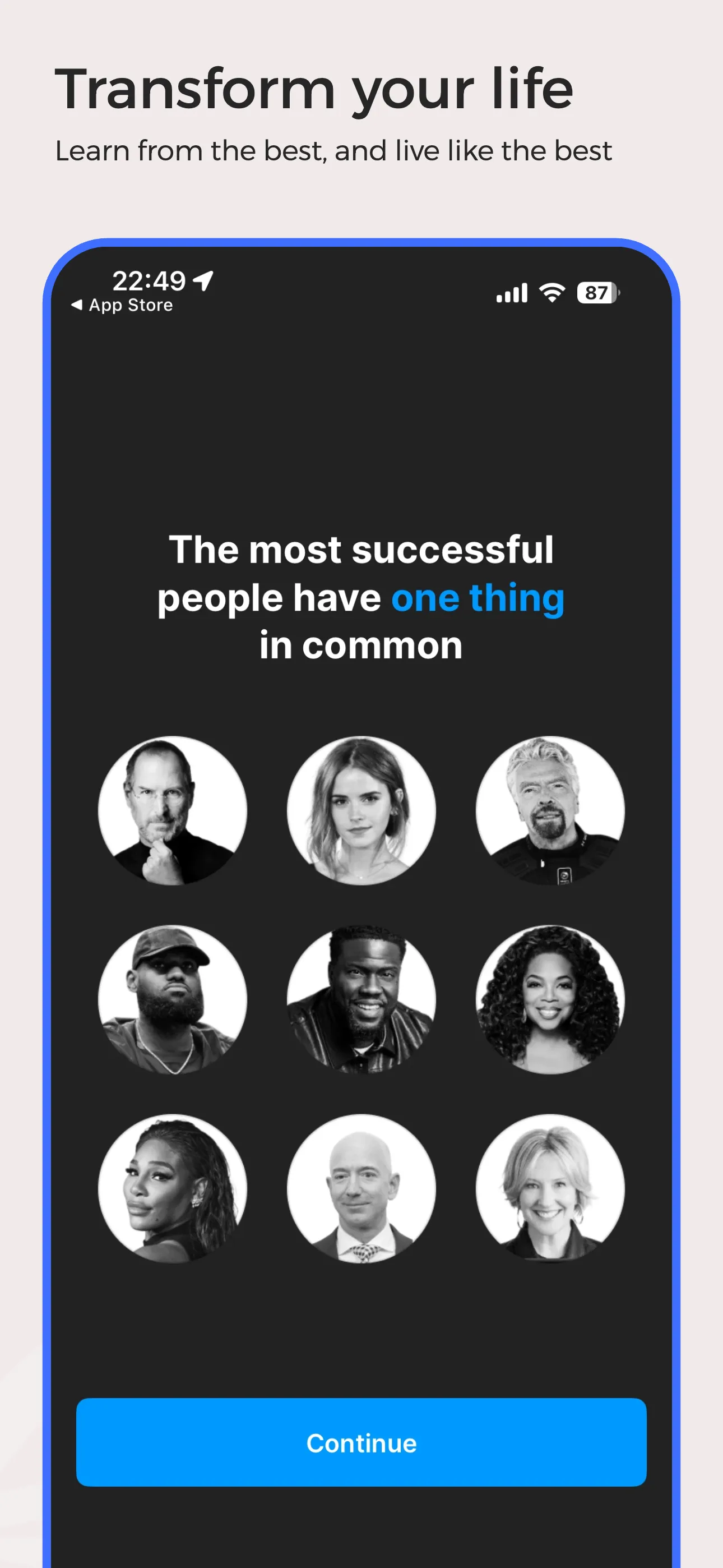
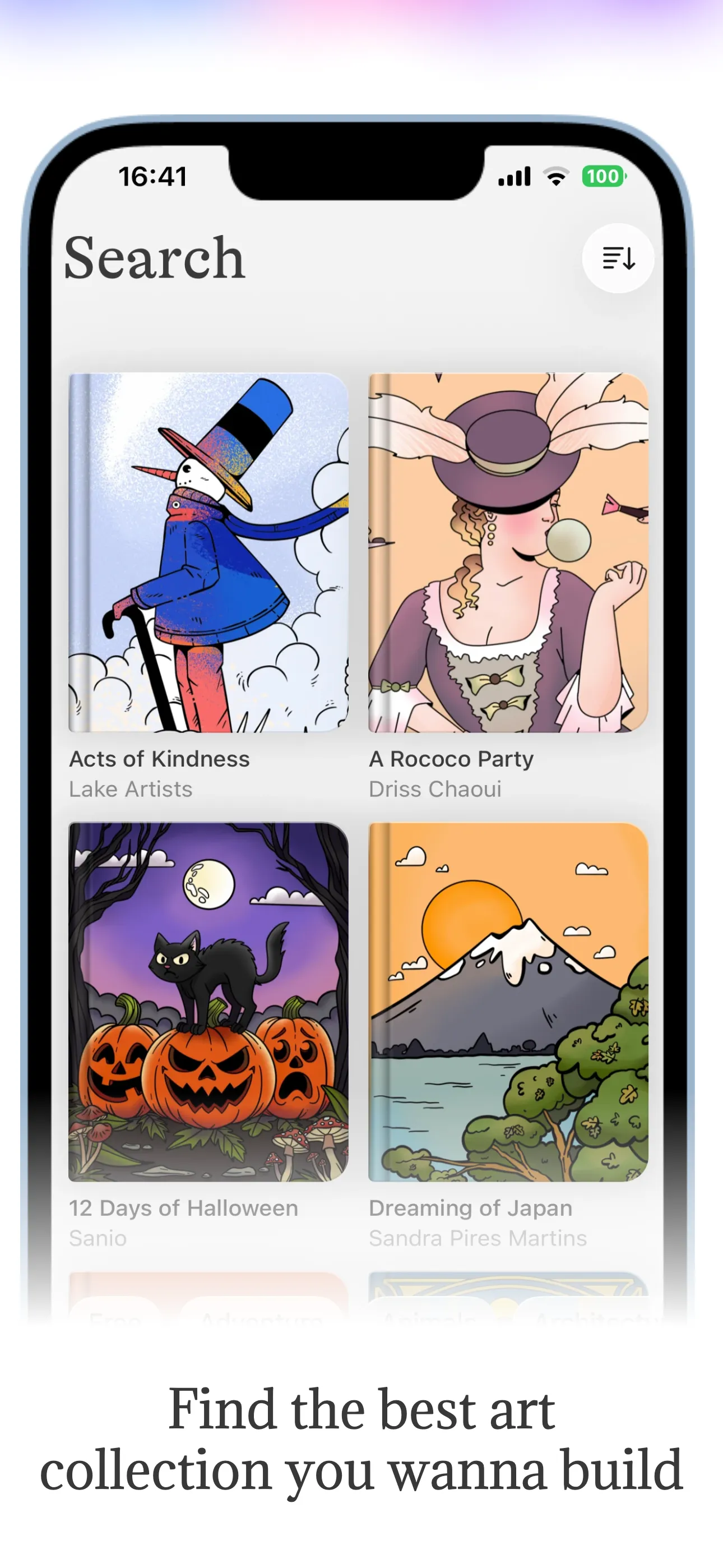
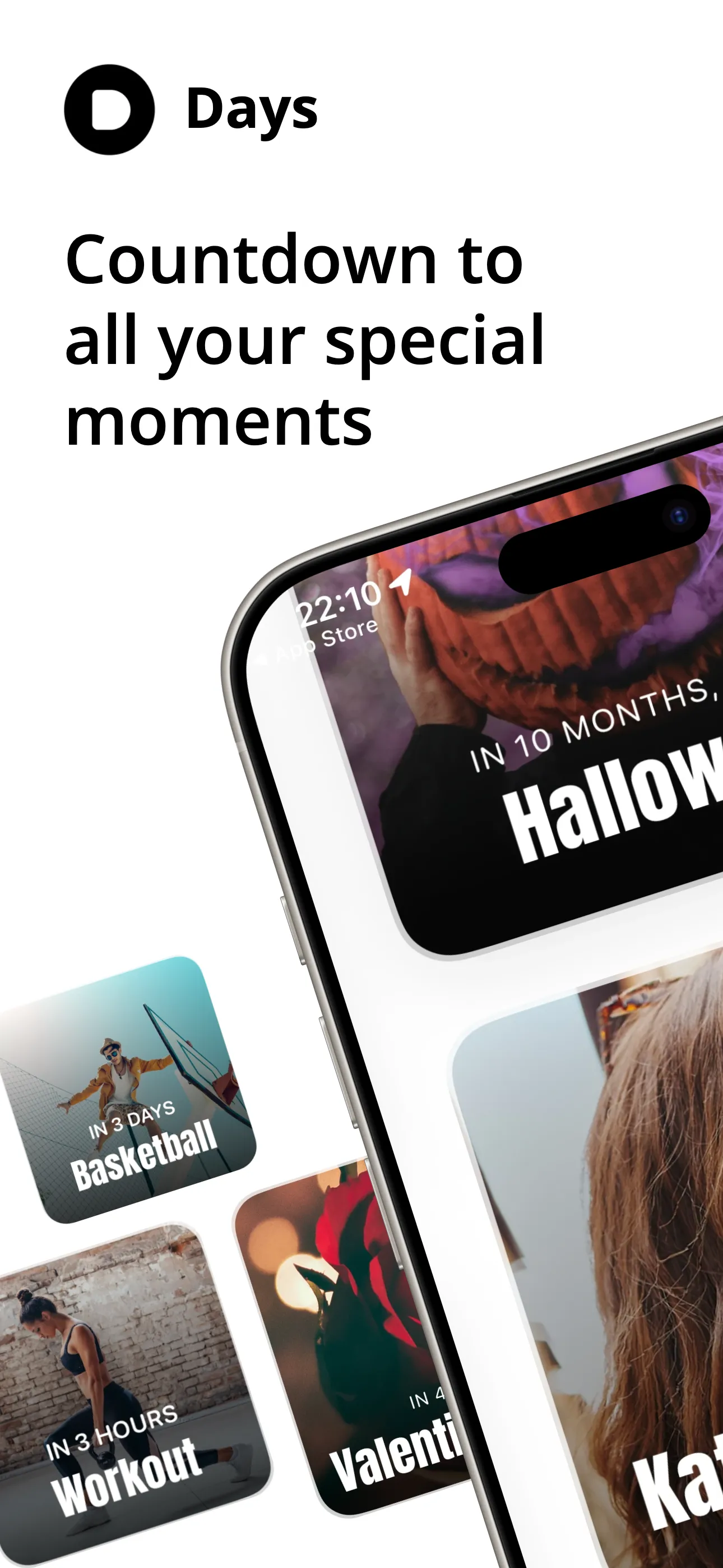
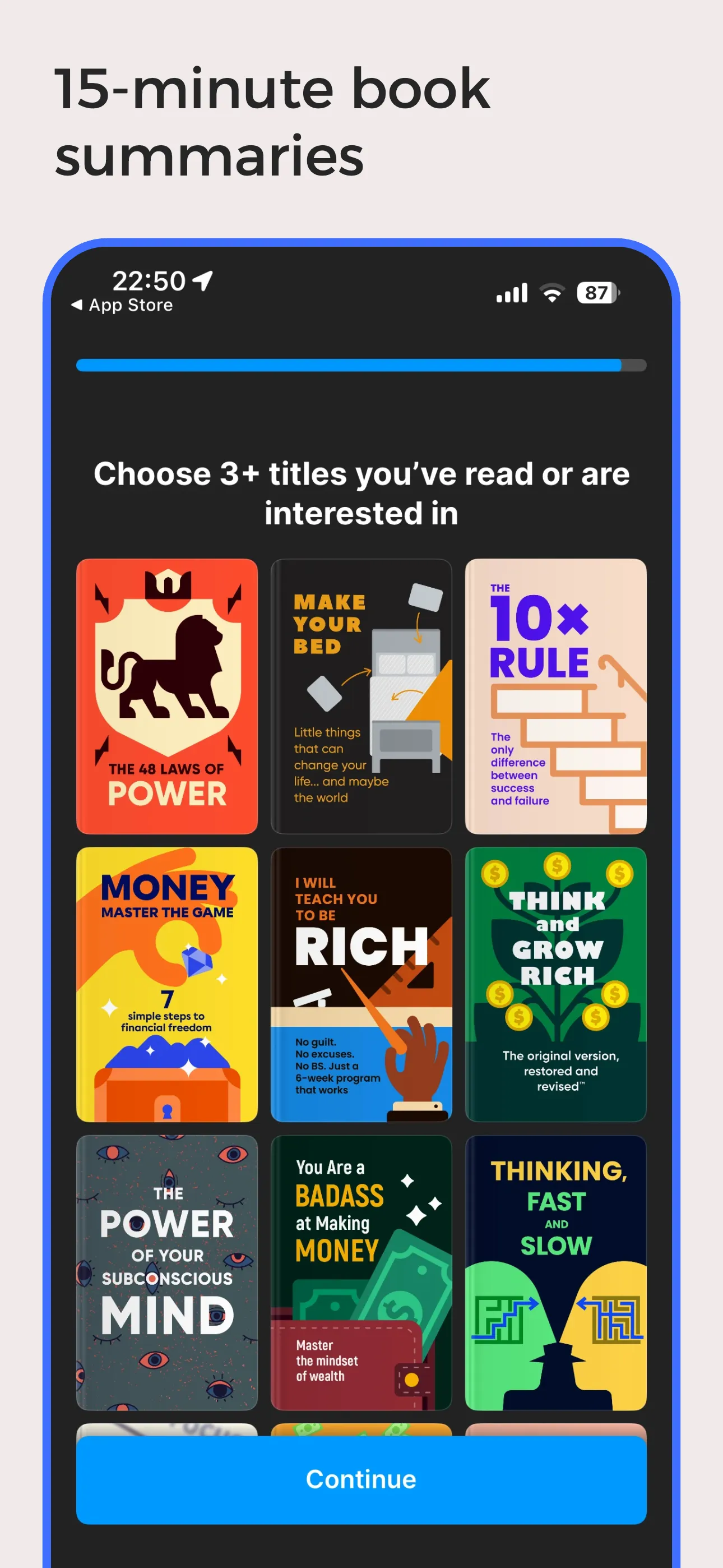
Everything you need for perfect screenshots.
Launch Shots combines powerful editing tools with a vibrant community to help you launch better apps, faster.
Original & Community Templates
Start from scratch or pick from 100+ professionally designed templates — new ones added every week by us and the community.
Versatile Editor
Powerful layer management, shadows, backgrounds, and device frames at your fingertips.
Share & Showcase
Share your creations with the world. Gain visibility by showcasing your work on our platform.
Free to Use
Access all features for free. The only limit is 1 credit per month for free users.
Dedicated Apps Page
Get a dedicated page for your app to showcase all your screenshot variations.
High Quality Exports
Export in high resolution suitable for App Store, Play Store, and social media.
AI Localization
Automatically translate your screenshots into every App Store and Play Store language with AI-powered precision.
Weekly Updates
Fresh templates, screens, and assets added every week to keep your designs current.
Unrestricted Access
No last minute surprises. Use every element and feature in the free tier.
Features built for the details that matter.
We've solved the friction points other screenshot tools ignore — so you can stop working around them.
Frame Extension — in action
One element · perfectly aligned · every time
Frame Extension
Want a hero image or UI element to bleed across two adjacent screens? Other tools force you to manually duplicate the element, paste it into the next frame, and eyeball it into alignment. In Launch Shots, you set one value — the editor handles the rest, pixel-perfectly every time.
- ✓Span any element across adjacent frames automatically
- ✓No manual duplication or pixel nudging required
- ✓Works with images, shapes, device mockups, and more
Built-in Magnifier — in action
No re-exports · no extra tools · just zoom
Built-in Magnifier
Highlight a subtle UI detail or draw attention to a key interaction — without leaving the editor. Place a magnifier on any part of your screenshot and adjust the zoom level to make it pop, right inside Launch Shots.
- ✓Zoom into any area of your screenshot or design
- ✓Adjustable zoom level and lens size
- ✓Fully built into the editor — no extra tools or re-exports
Direct Publishing — in action
No zips · no uploads · just ship
Direct App Store & Play Store Publishing
Skip the zip files, the manual drag-and-drop, and the tab-switching. Connect App Store Connect or Google Play once, hit Publish, and your finished screenshots land in the right device slots, in the right order, across every locale — without leaving Launch Shots.
- ✓Push directly to App Store Connect and Google Play
- ✓Auto-maps each screenshot to the correct device size and locale
- ✓Connect multiple stores and we handle screenshot generation, upload and ordering
Now Launch Shots manages the whole listing, not just the screenshots.
The copy around your screenshots is half the listing, and it is usually the half that gets edited in a browser tab at midnight. Launch Shots reads it from the store, keeps every locale in one place, and writes it back when you are ready.
Listing — every locale
One grid · every locale · written back
- 01
Pull the live listing
Connect App Store Connect or Google Play with your own credentials, add an app, and every locale you have already published comes down as an editable draft.
- 02
Edit every field
Name, subtitle, description, keywords, promotional text, what’s new. Each one is checked against the store’s character limit while you write, so nothing gets rejected on submission.
- 03
Translate the rest
Write once in your source language and translate into the others. When the source copy moves, only the translations that went stale are flagged — hand-edited ones are left alone.
- 04
Publish copy and screenshots together
Bind your screenshot sets to a locale and push both back in one run. Anything that changed on the store since you pulled is shown side by side before a word is written.
Pulling, editing and translating are free. Credits are only spent when something is written to the store — 1 per locale published.
Launch in every language, not just English.
Translate a single screenshot into every App Store & Play Store language in one click. AI preserves your layout, fonts, and design — no re-design, no manual copy-paste. Right-to-left scripts and non-Latin characters just work.
Same screenshot · Every market · One click
Source
Plan your perfect week
Focus on what matters. Every day.
Localized
Plan your perfect week
Focus on what matters. Every day.
Every store language
From Spanish to Swahili
1-click workflow
No manual re-typing
Layout-preserving
Fonts, spacing, design intact
RTL & non-Latin
Arabic, Hebrew, Hindi, Thai
Loved by app creators.
Here's what people are saying after using Launch Shots for their app launches.
"I've tried a whole bunch of these tools, and this is BY FAR the best."
Downgate Labs
"Amazing tool, every developer should use to improve Appstore/Playstore marketing for your app(s)."
George
"I spent weeks teaching myself image editing just to make an app store display and it wasn't working out. I'm so glad I searched out a better way and found Launch Shots."
Jeff
"Thank you for making this tool! You are a saviour!"
Fenil
"Used this to generate some images for a Product Hunt launch — and I learned about this app on Product Hunt :) All in all, a pretty good experience. I was able to do everything I wanted. The ease of using the device frames was my favorite feature."
Ethan
"Really thanks to you and the developer team for this whole easy-to-use experience — and it's free! Thanks so much, you don't know how much you helped me."
The Rock
"This is the best App screenshot generator!! :)"
Yayo Zenteno
"I like the ready-made templates. It's also user friendly."
State Capture
"Amazing experience so far, very helpful tooling."
forked
"Searched for a long time and finally found you."
Азат Керимкулов
"Amazing"
Get Spnsr
"Straight forward and into the point, no complexity."
Mostafa
"Nice and clean."
Waleed
Frequently Asked Questions
Everything you need to know about Launch Shots.